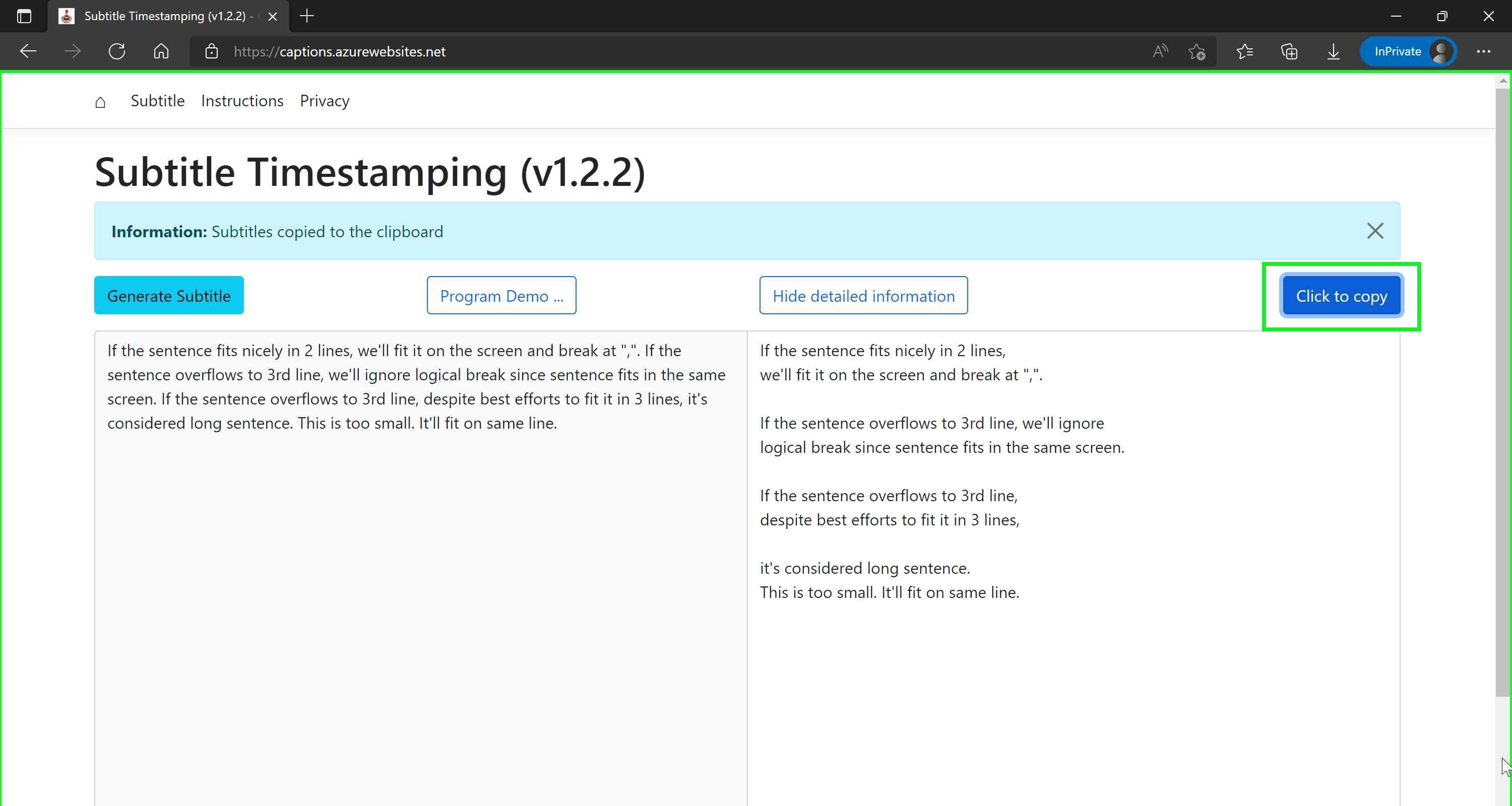
Demo: How to use program ...
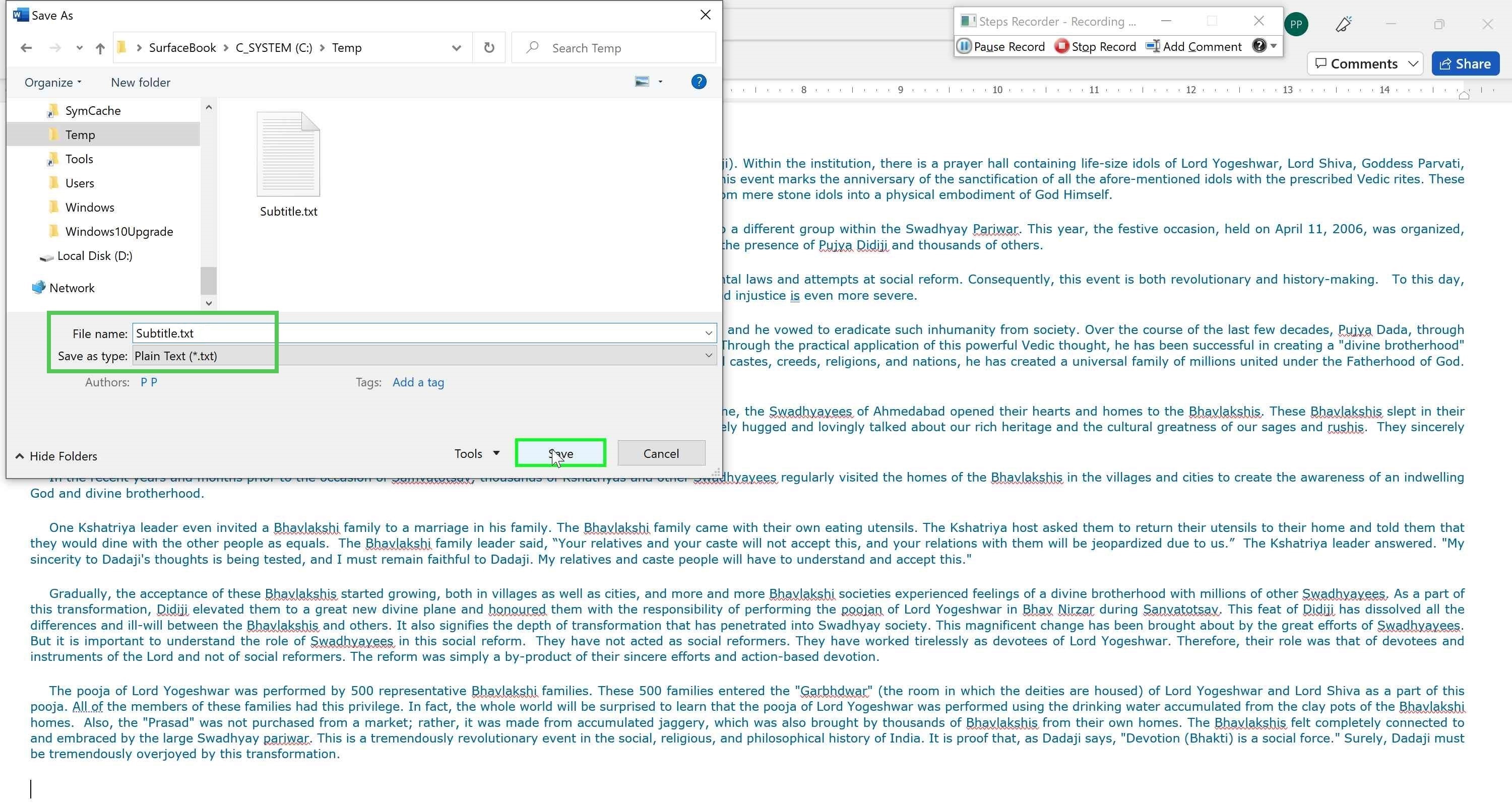
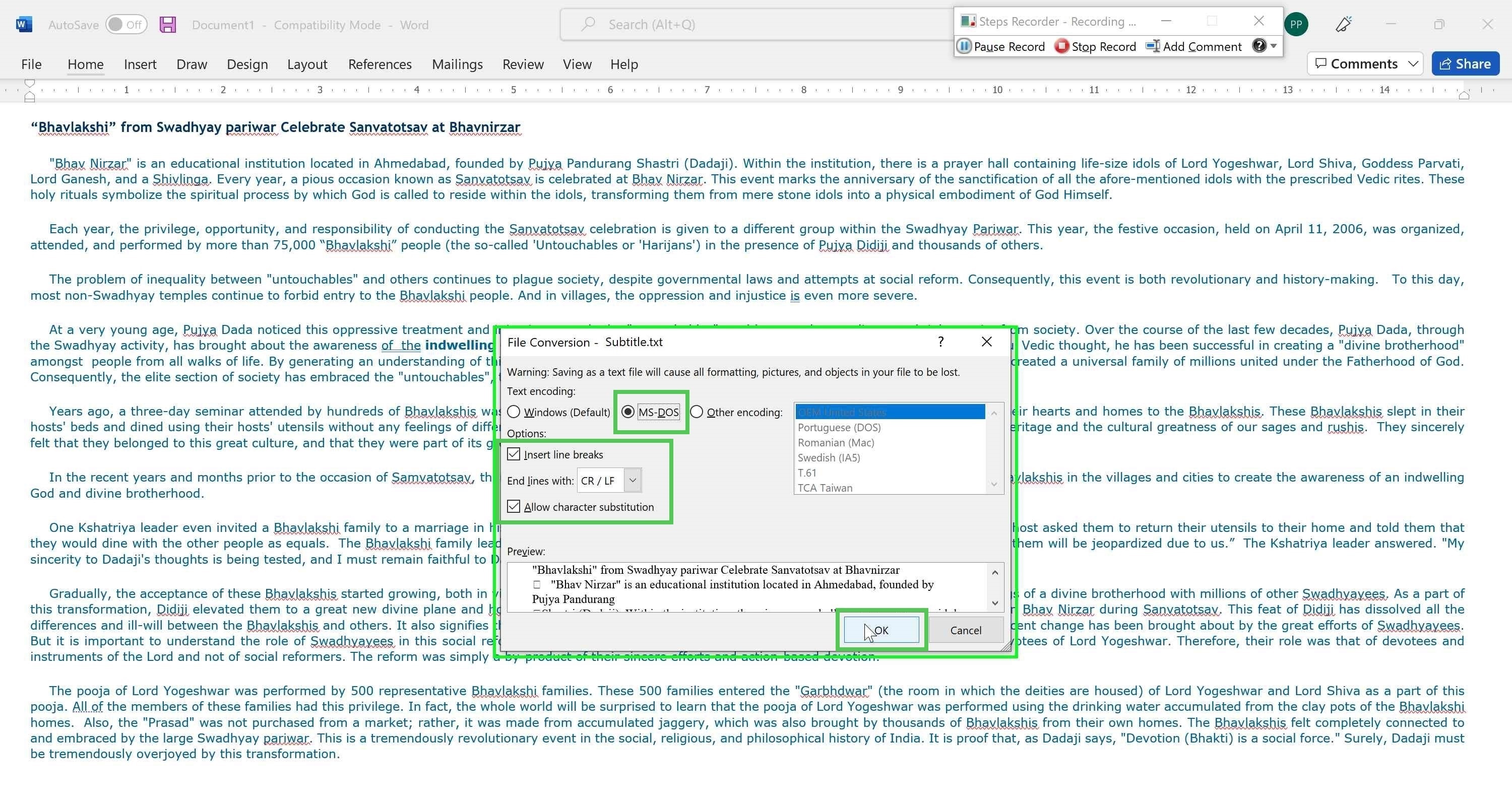
Save Word document to text (MS-DOS) format
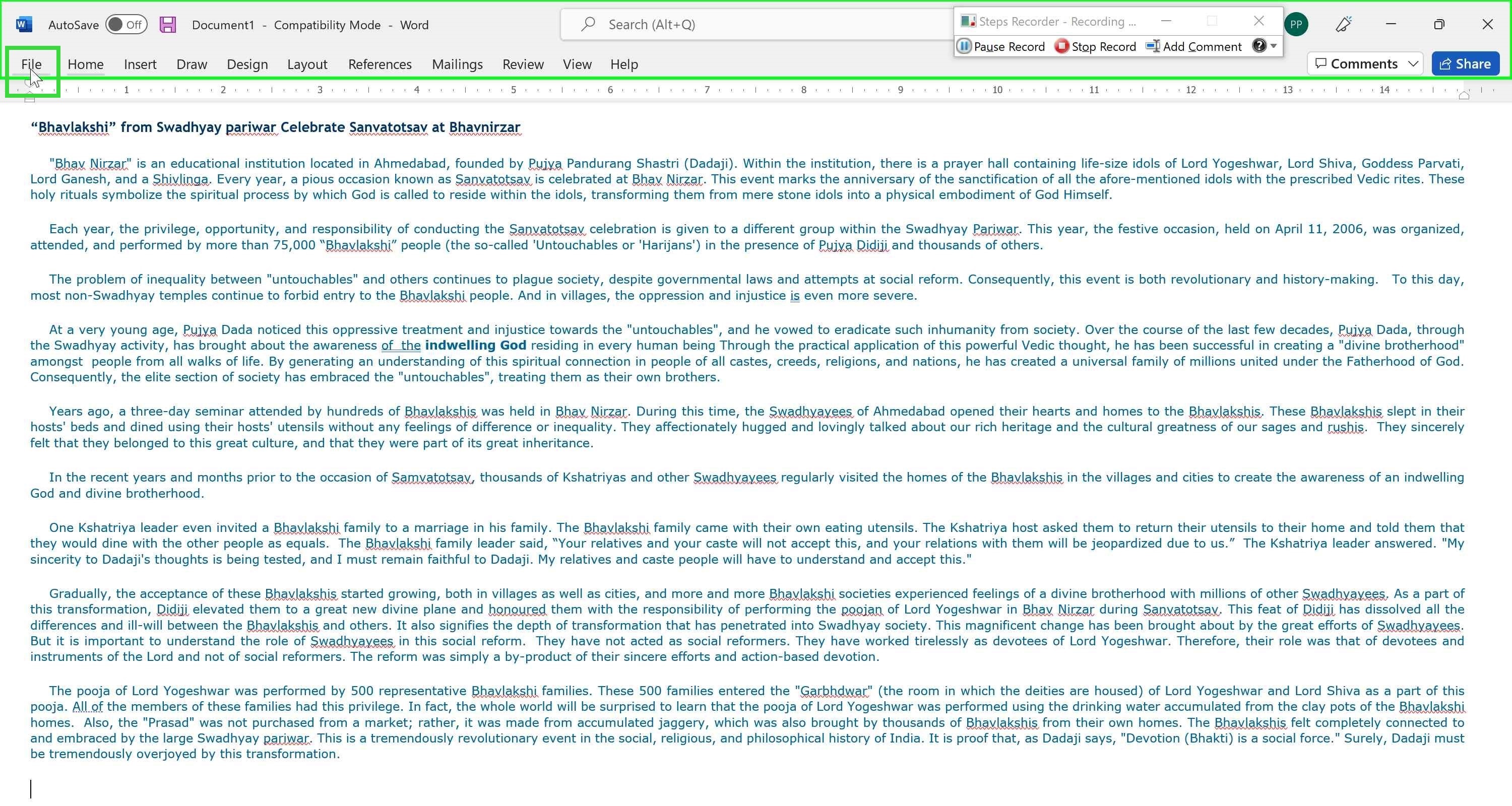
Save Word document to text (MS-DOS) format
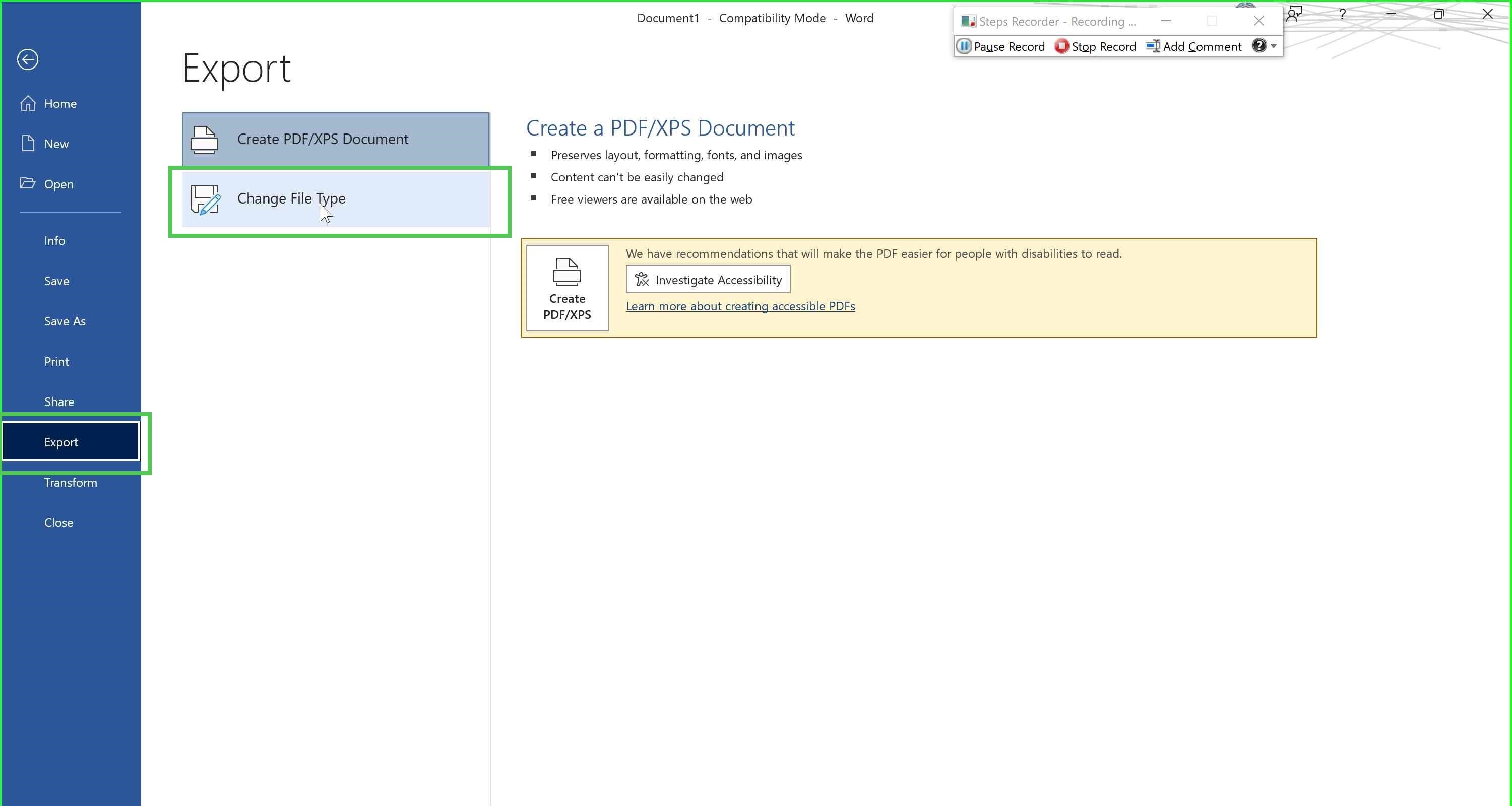
Save Word document to text (MS-DOS) format
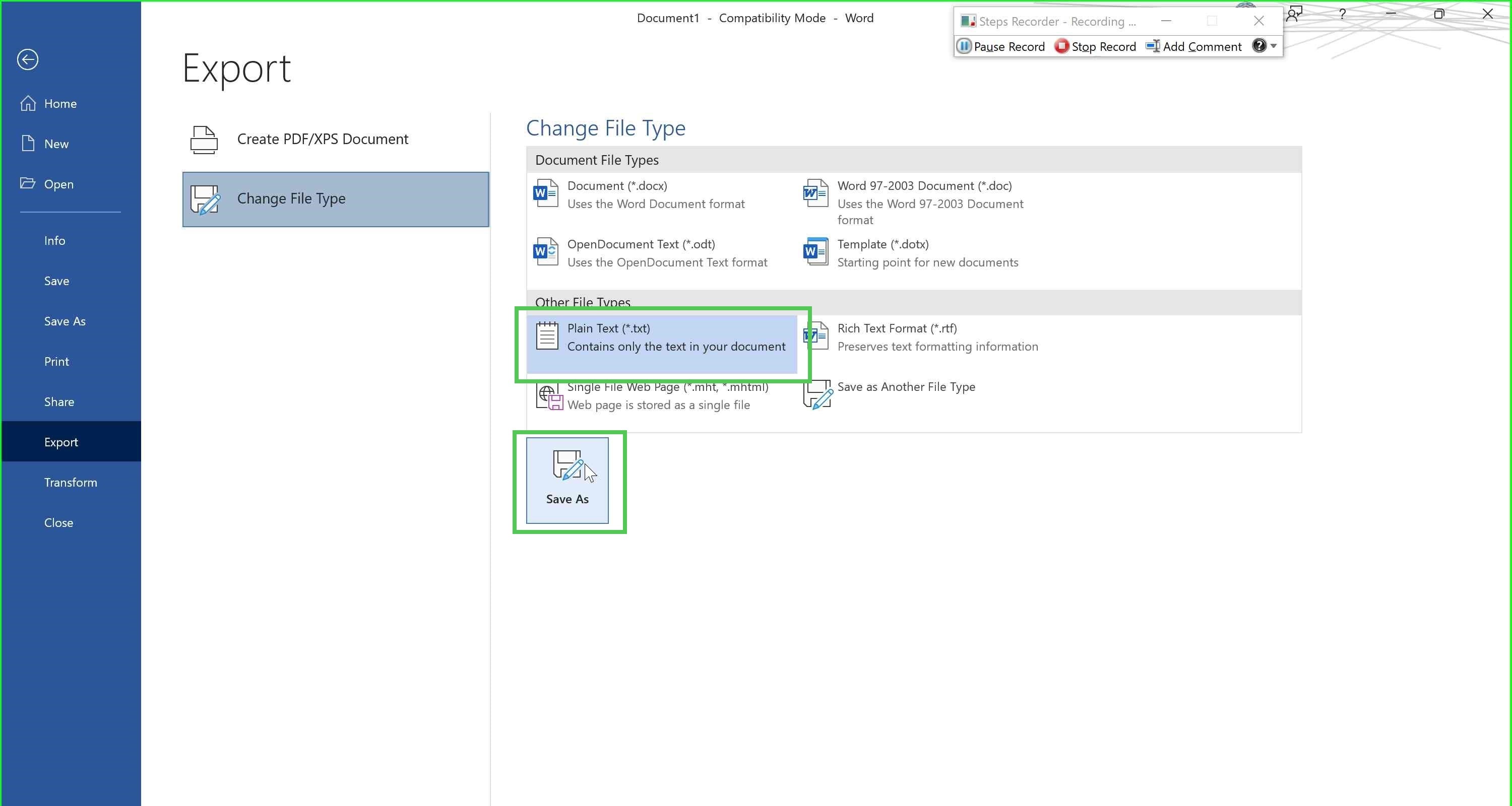
Save Word document to text (MS-DOS) format
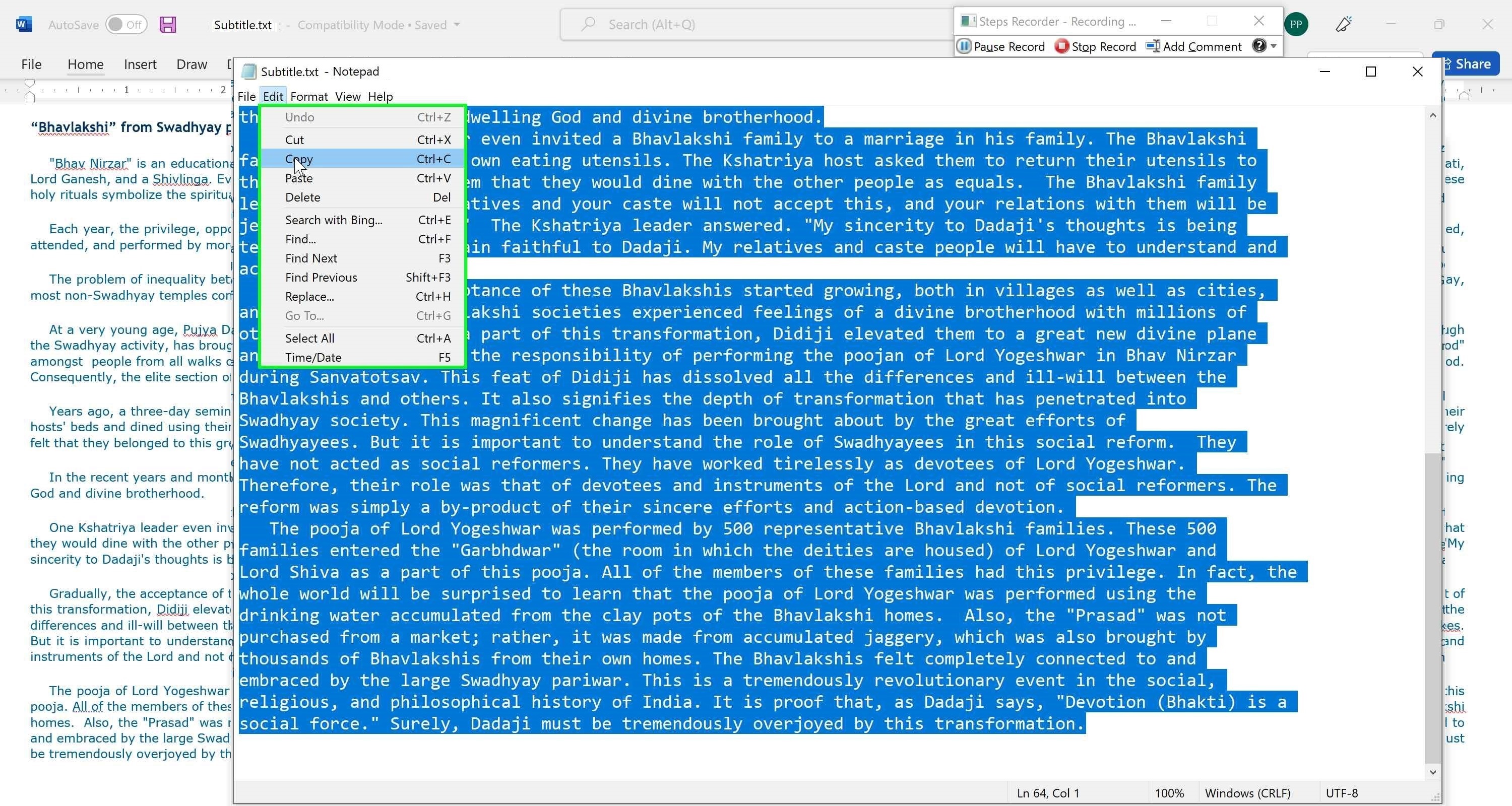
Open Subtitle.txt file and copy contents
Open Subtitle.txt file and copy contents
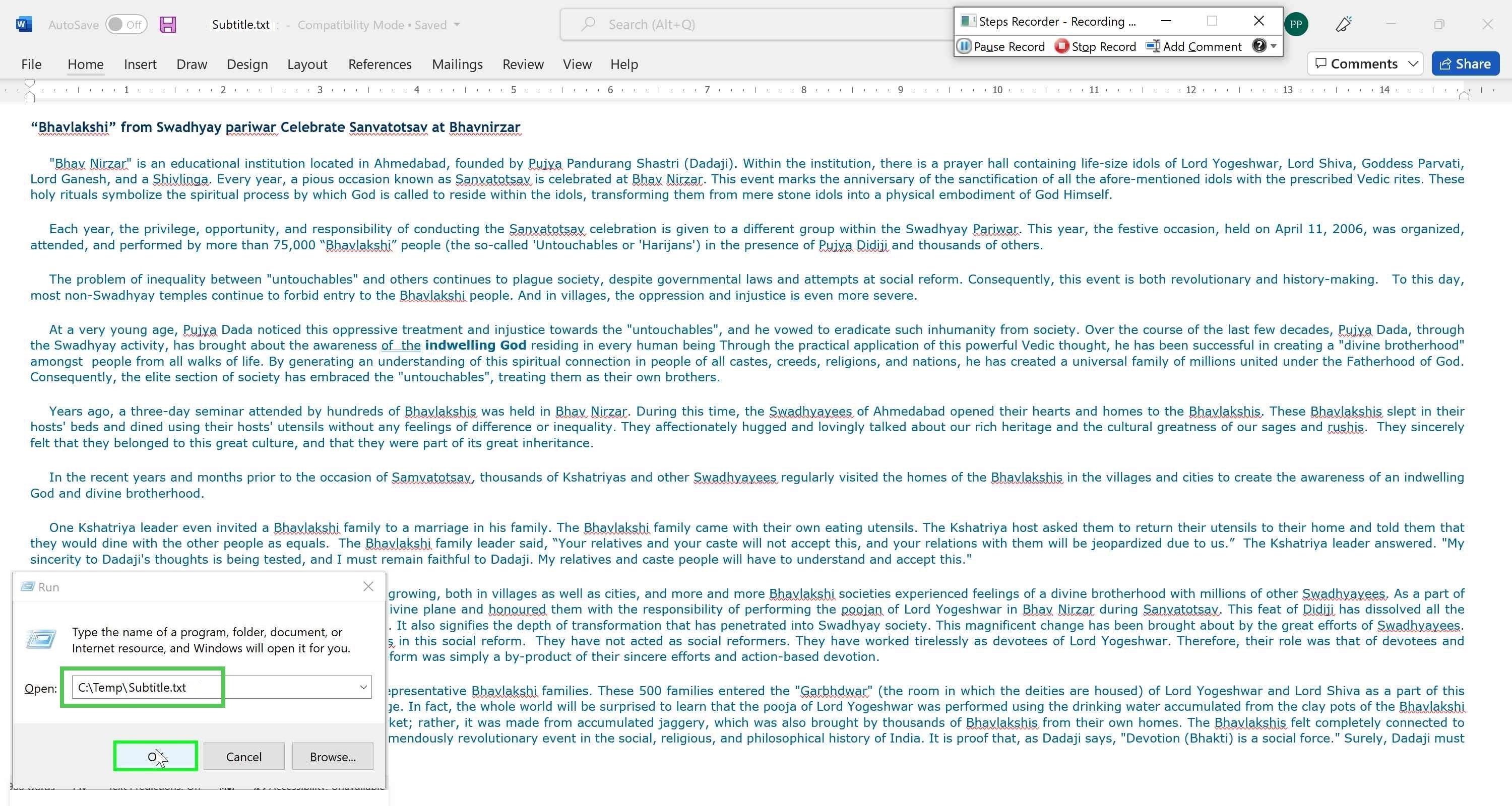
Open Subtitle.txt file and copy contents
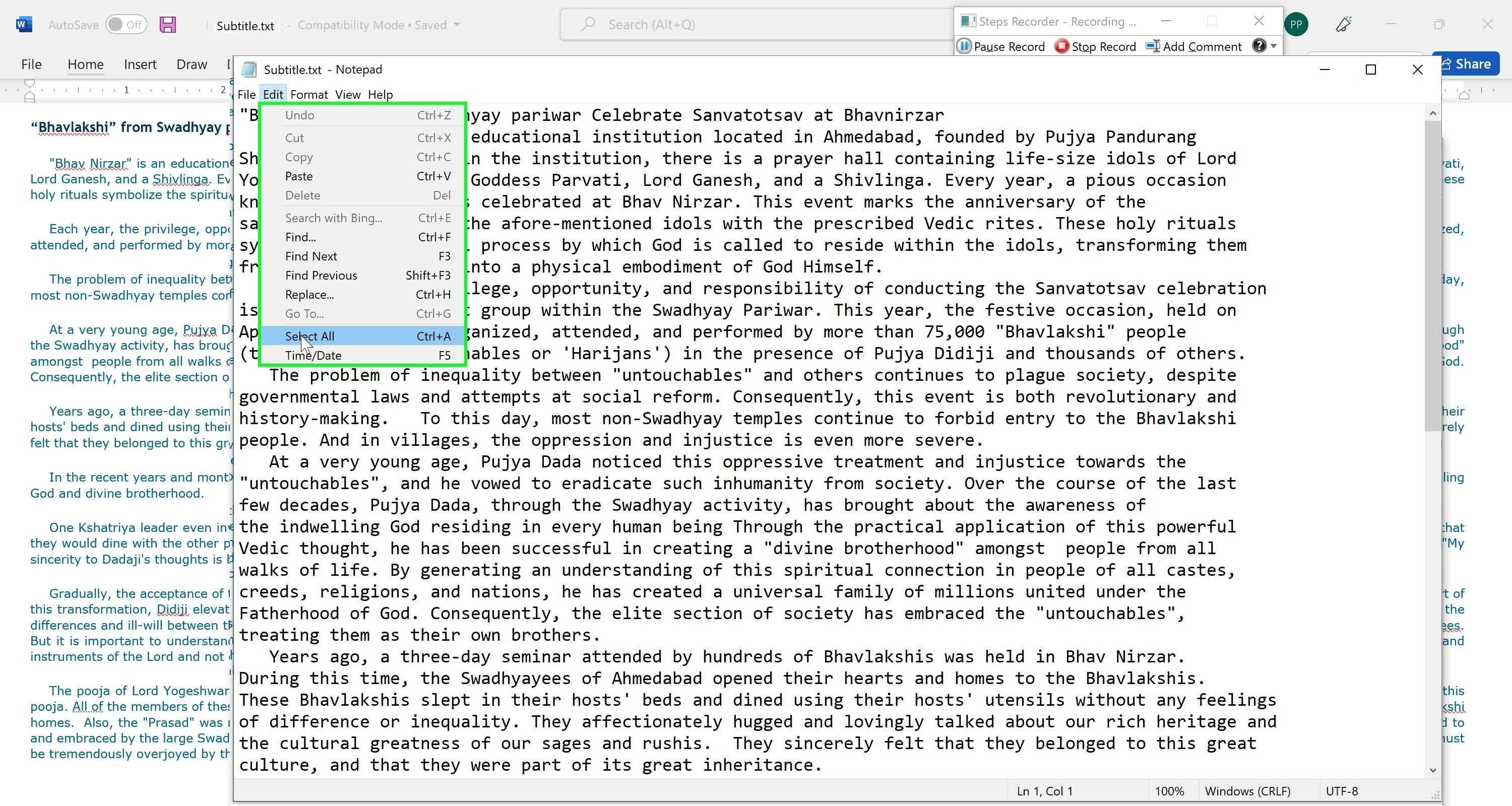
Open Subtitle.txt file and copy contents
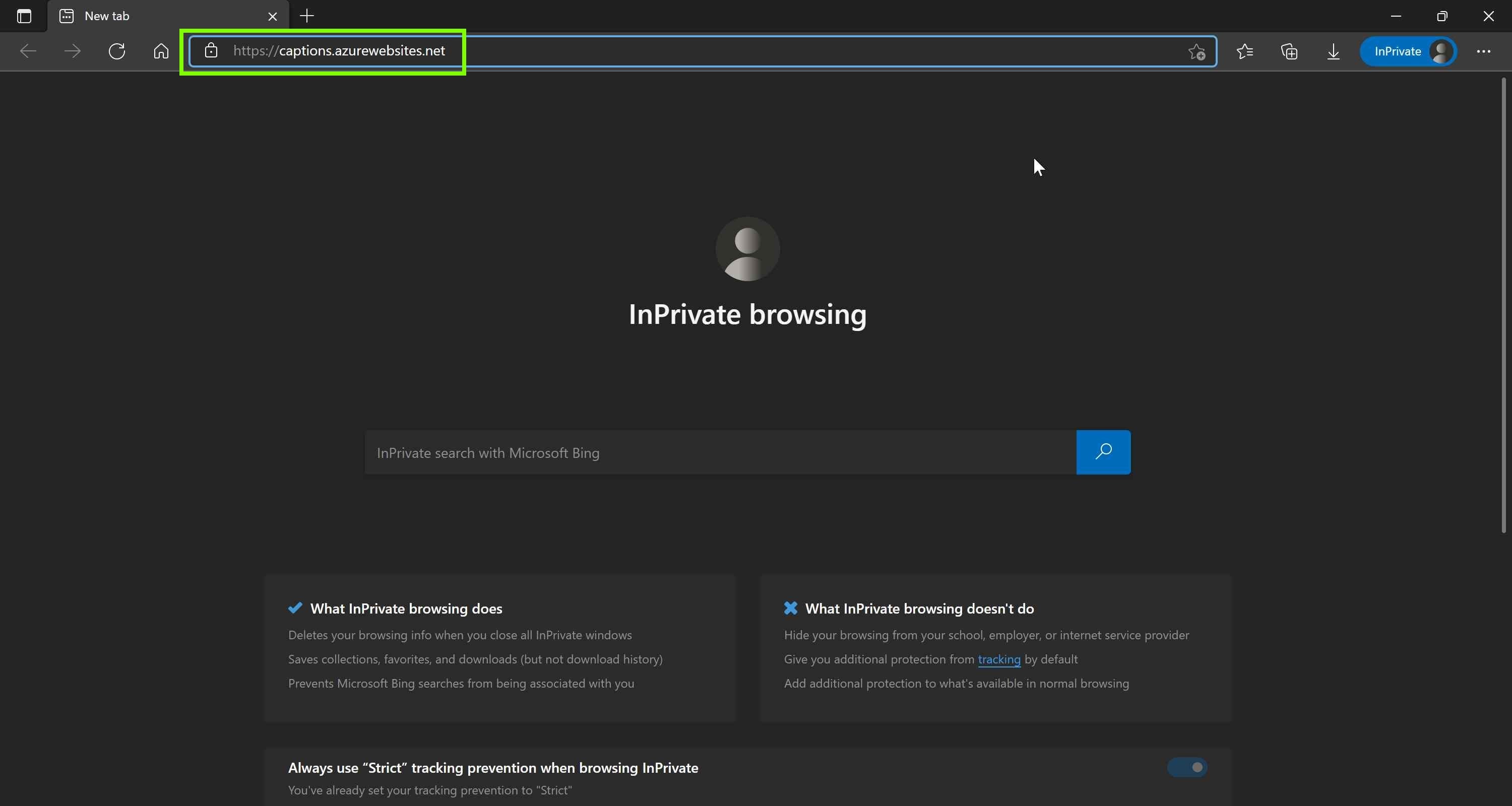
Open private browsing session and navigate to timestamping web site
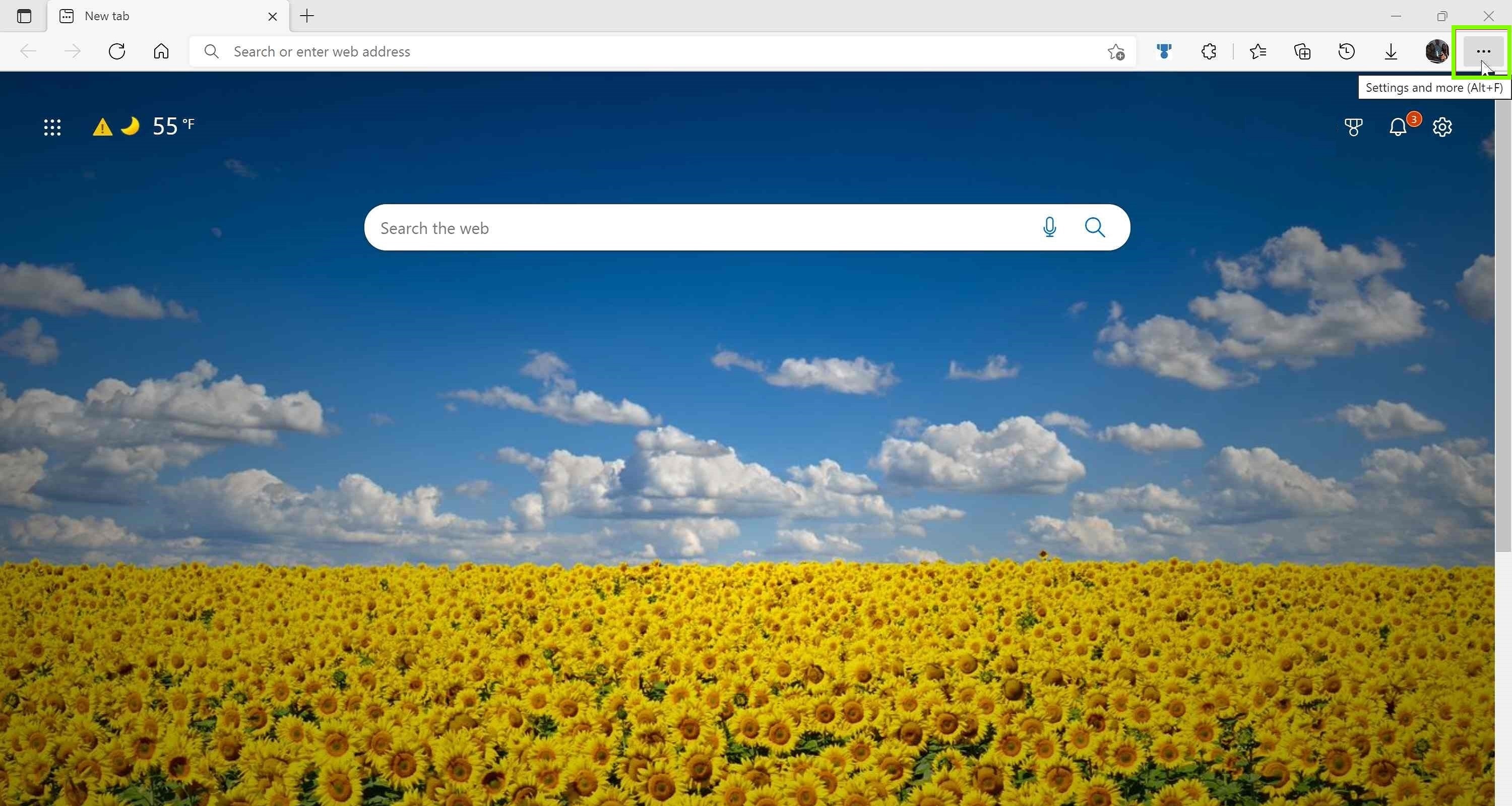
Open private browsing session and navigate to timestamping web site
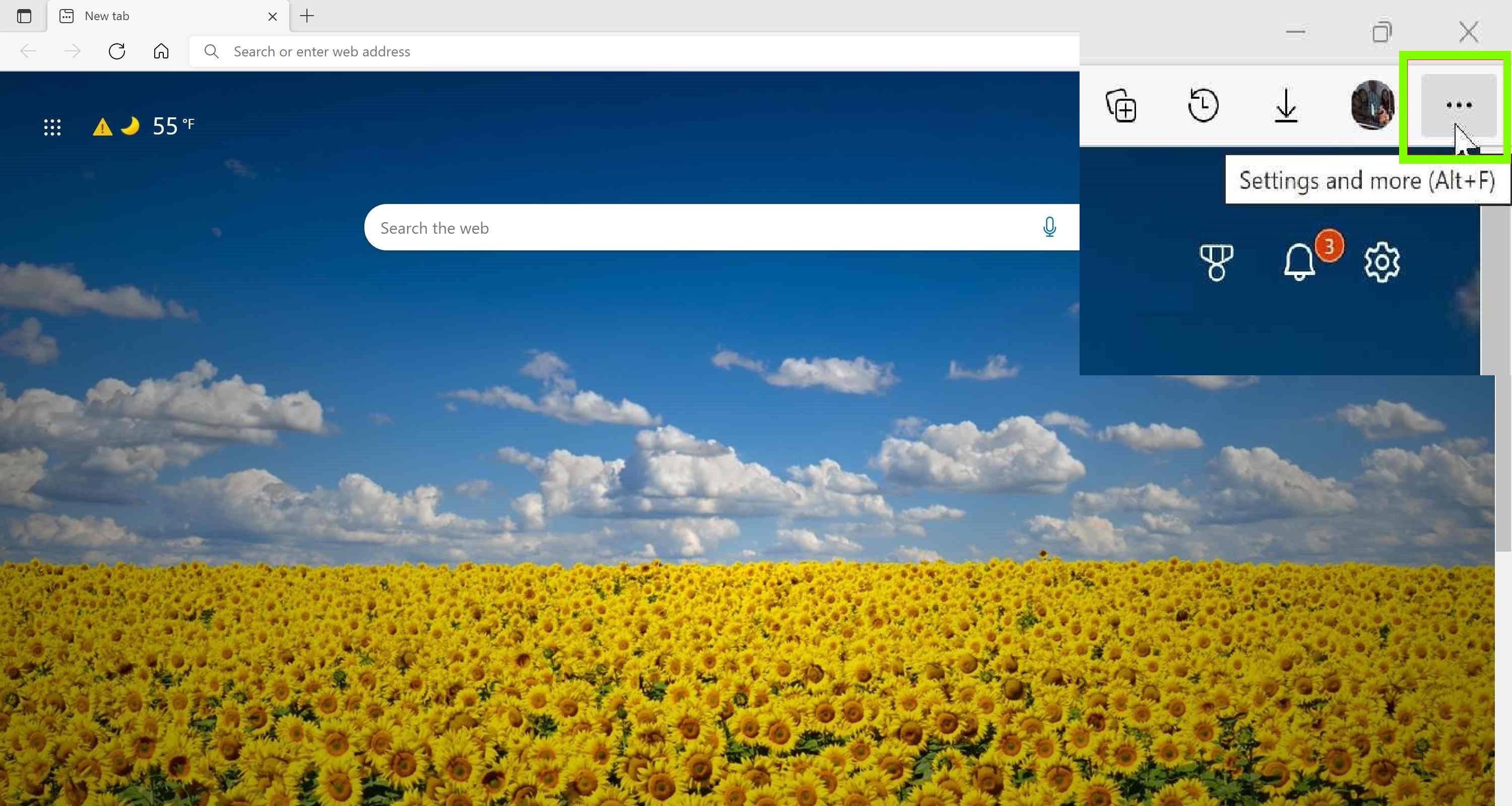
Open private browsing session and navigate to timestamping web site
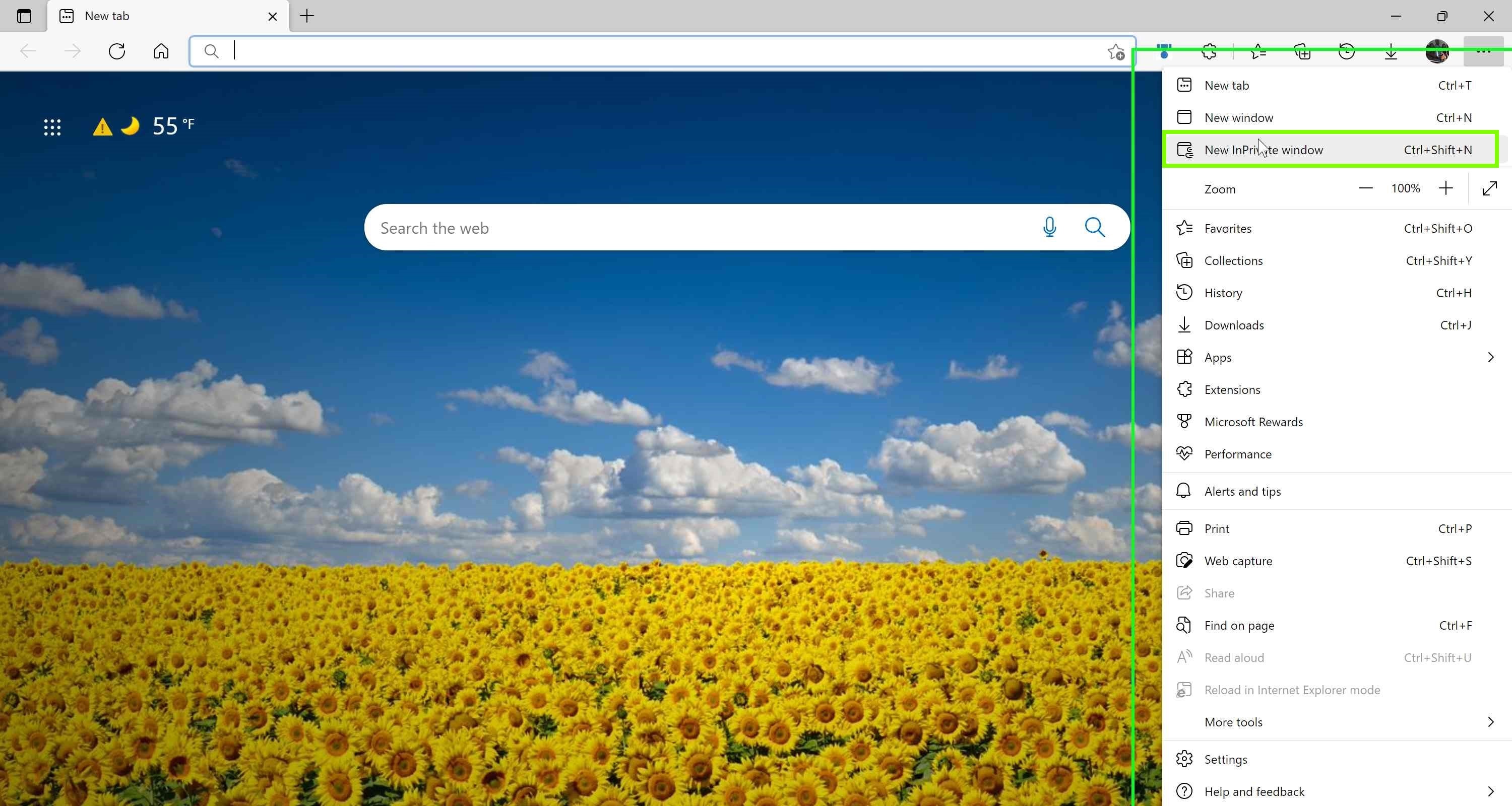
Open private browsing session and navigate to timestamping web site
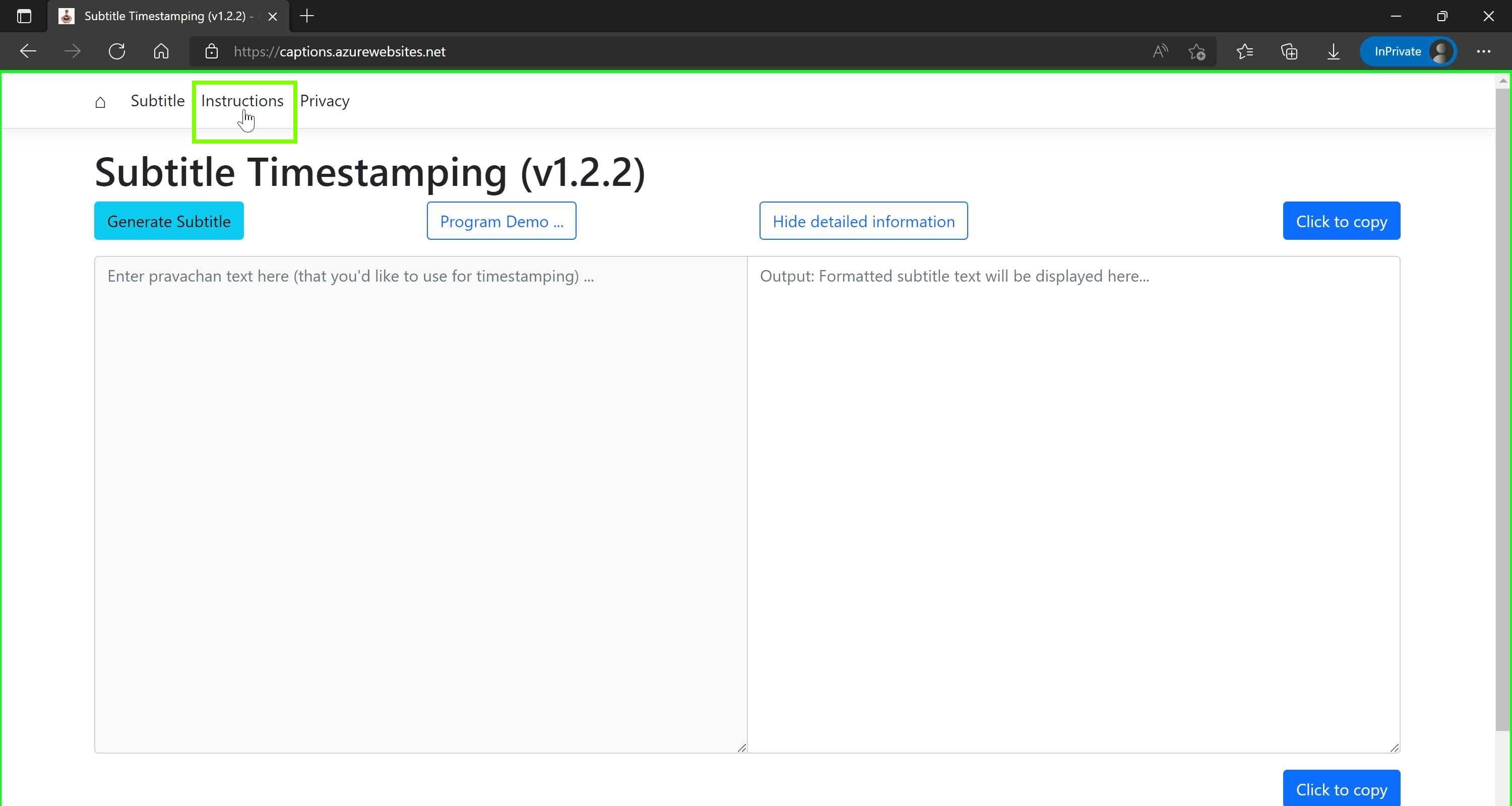
View detailed instructions if needed
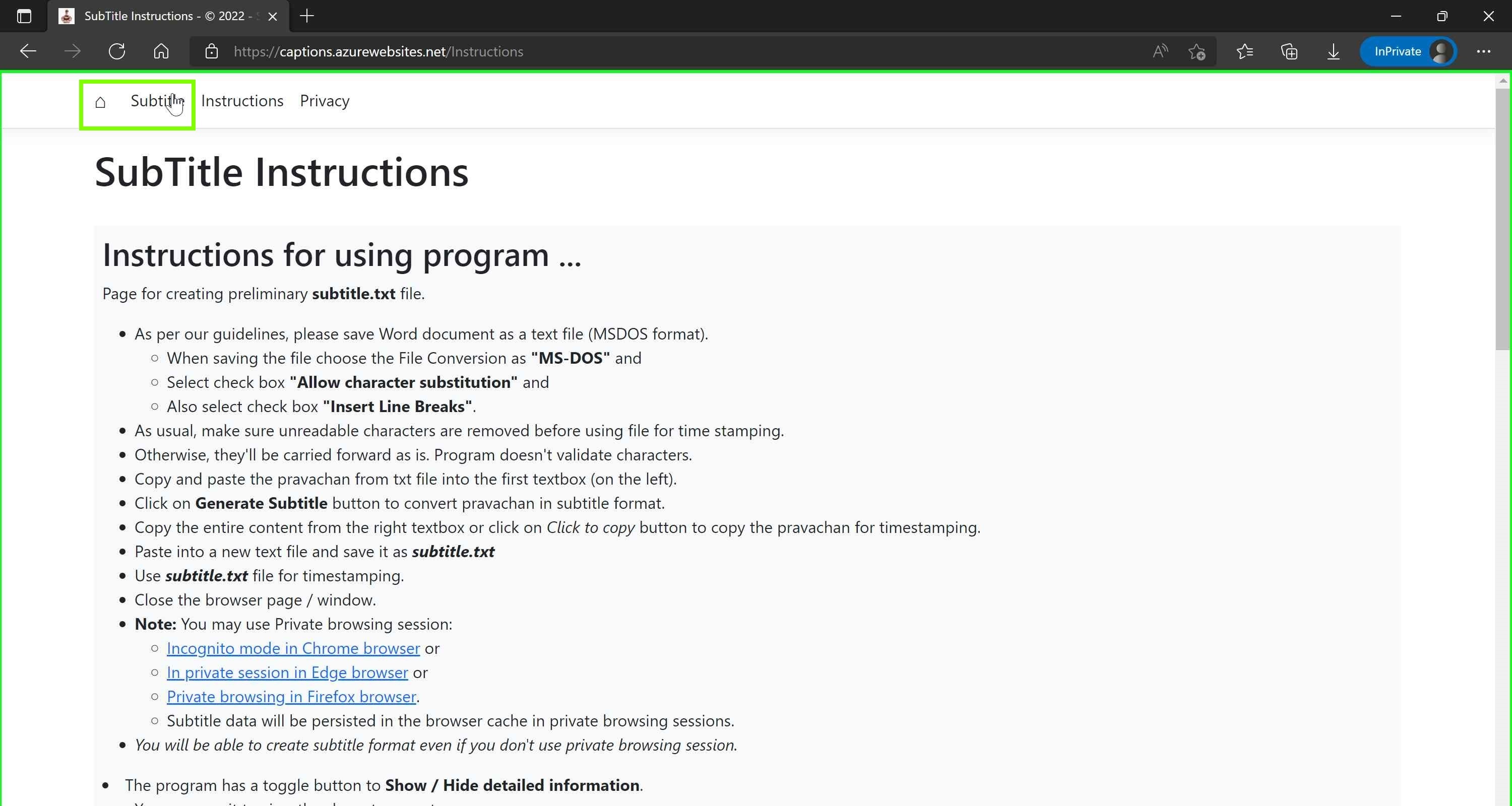
Navigate back to timestamping web site
Paste text you copied earlier and generate subtitles
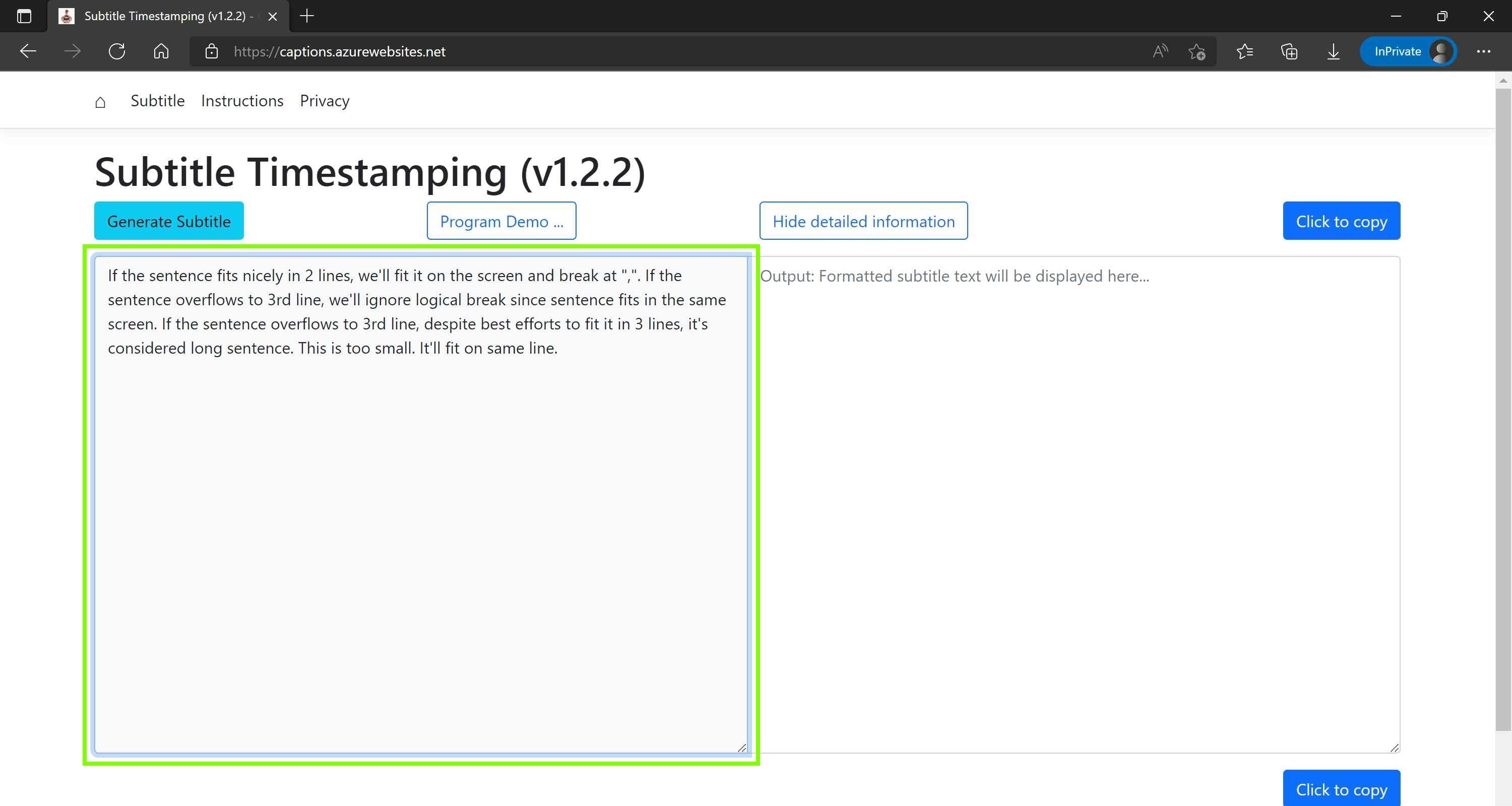
Paste text you copied earlier and generate subtitles
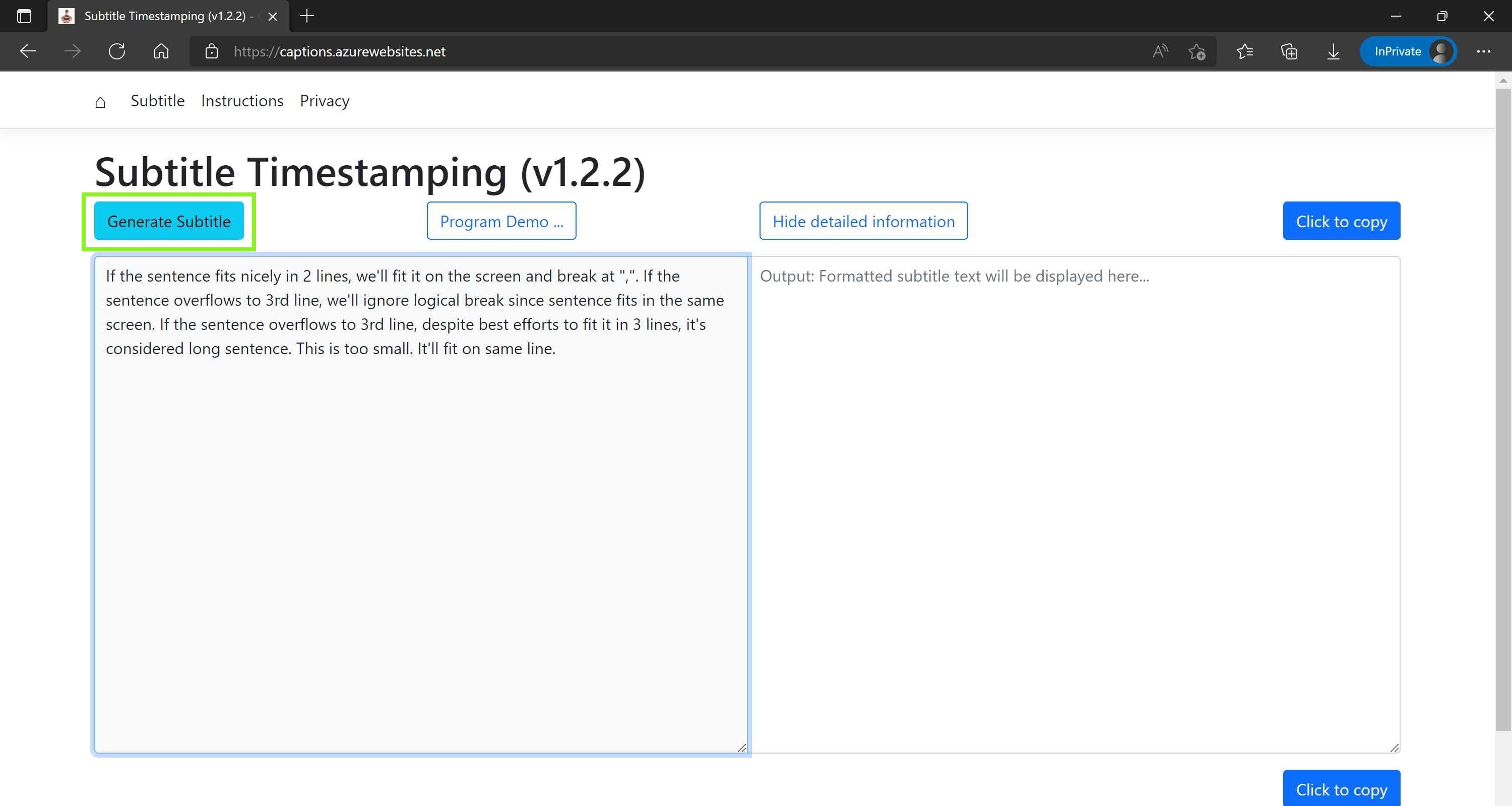
Paste text you copied earlier and generate subtitles
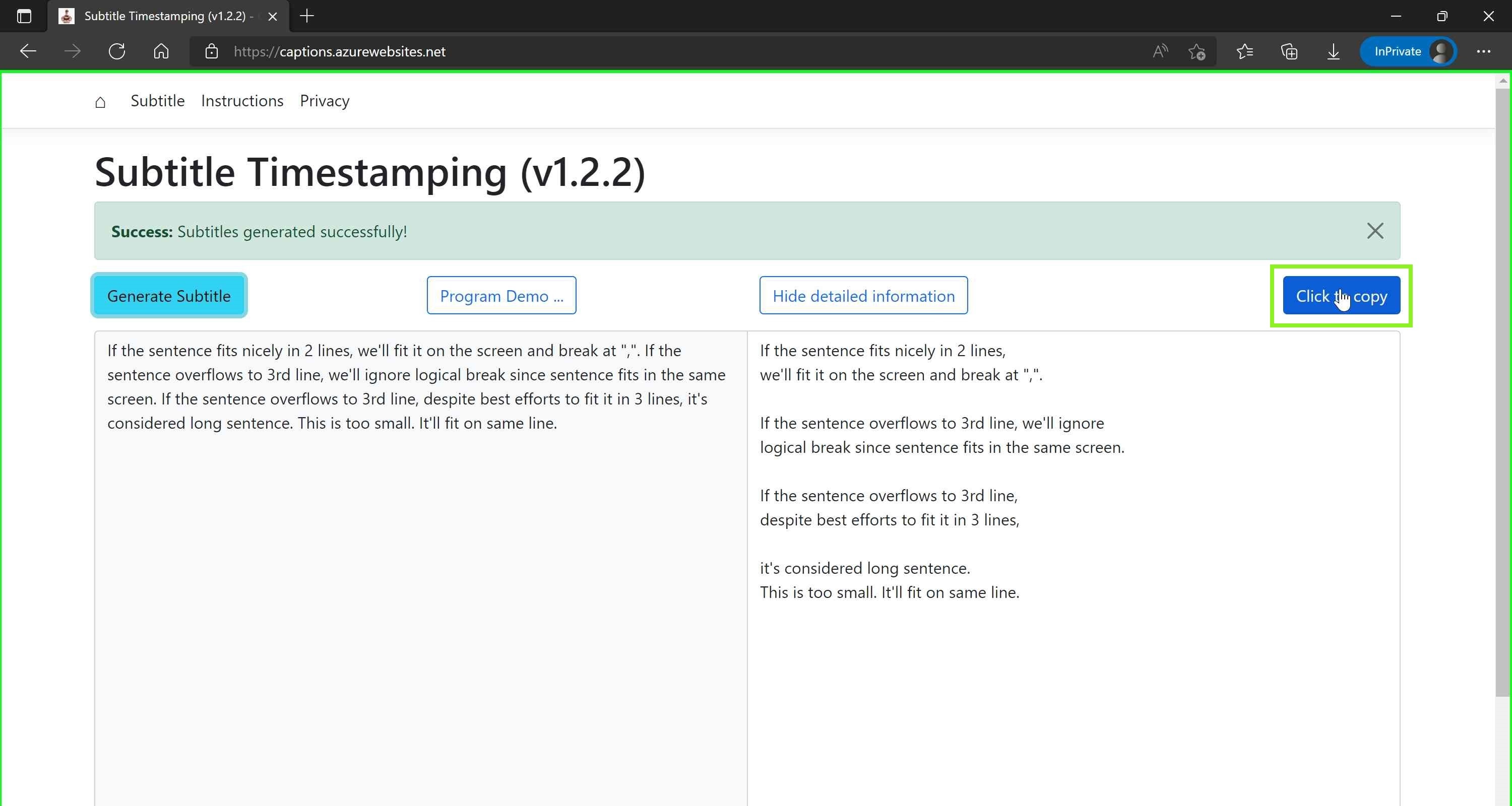
Copy text and use it as subtitle.txt with subtitle device